

EXM Premium provides lifetime access to EXM’s complete collection of performance, hardware, BIOS, and network optimizations.
1. Select EXM Premium
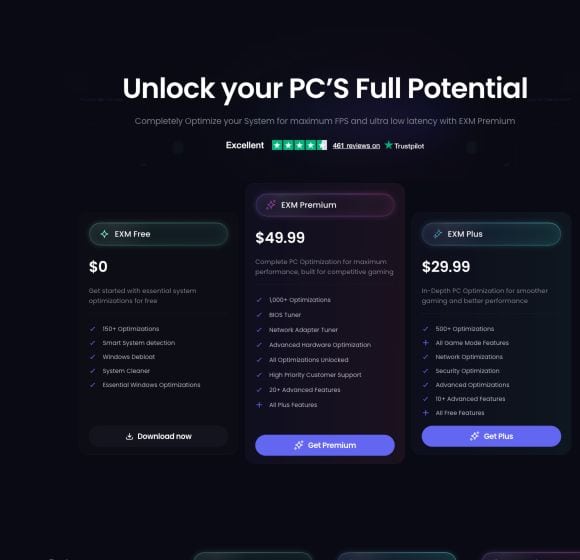
Visit the EXM pricing page and select Get Premium.
The pricing page displays the current price and included Premium features. EXM Premium currently includes:
1,000+ optimizations
BIOS Tuner
Network Adapter Tuner
Advanced hardware optimization
Every EXM optimization unlocked
High-priority customer support
20+ advanced features
Every EXM Plus feature
2. Sign In or Create an Account
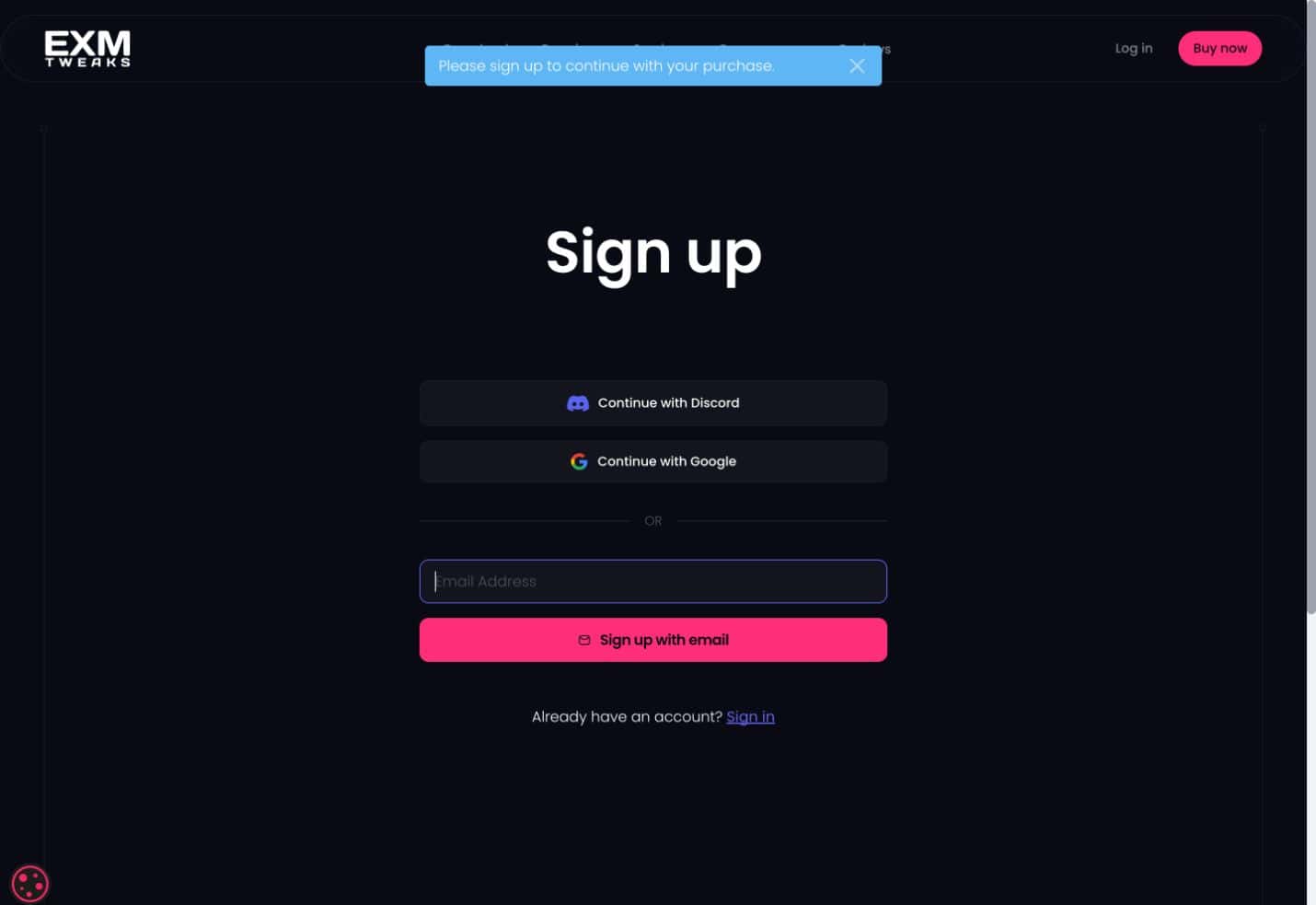
You must have an EXM account before completing your purchase.
You can create an account using:
Discord
Google
Your email address
If you already have an account, select Sign in instead. Make sure you purchase Premium using the account you plan to use with the EXM application.
3. Customize Your Purchase
The purchase summary allows you to review EXM Premium and select additional options before continuing to payment.
Purchase Premium for Multiple Devices
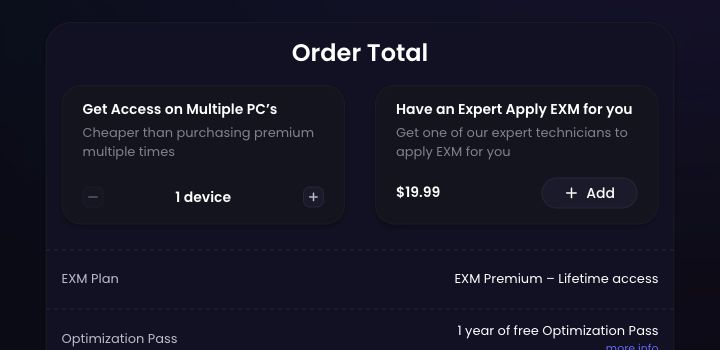
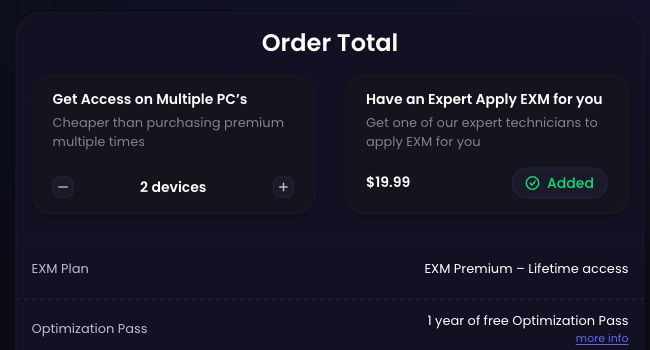
EXM Premium is licensed by device. Use the plus and minus controls under Get Access on Multiple PCs to select the number of devices you want to license.
Multi-device pricing is displayed directly in the checkout and is less expensive than purchasing Premium separately for each device.
One-Year Optimization Pass
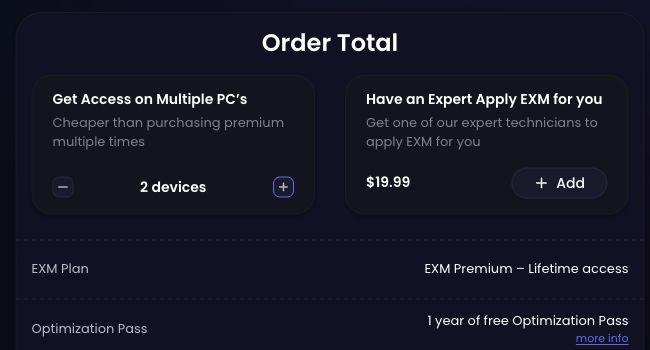
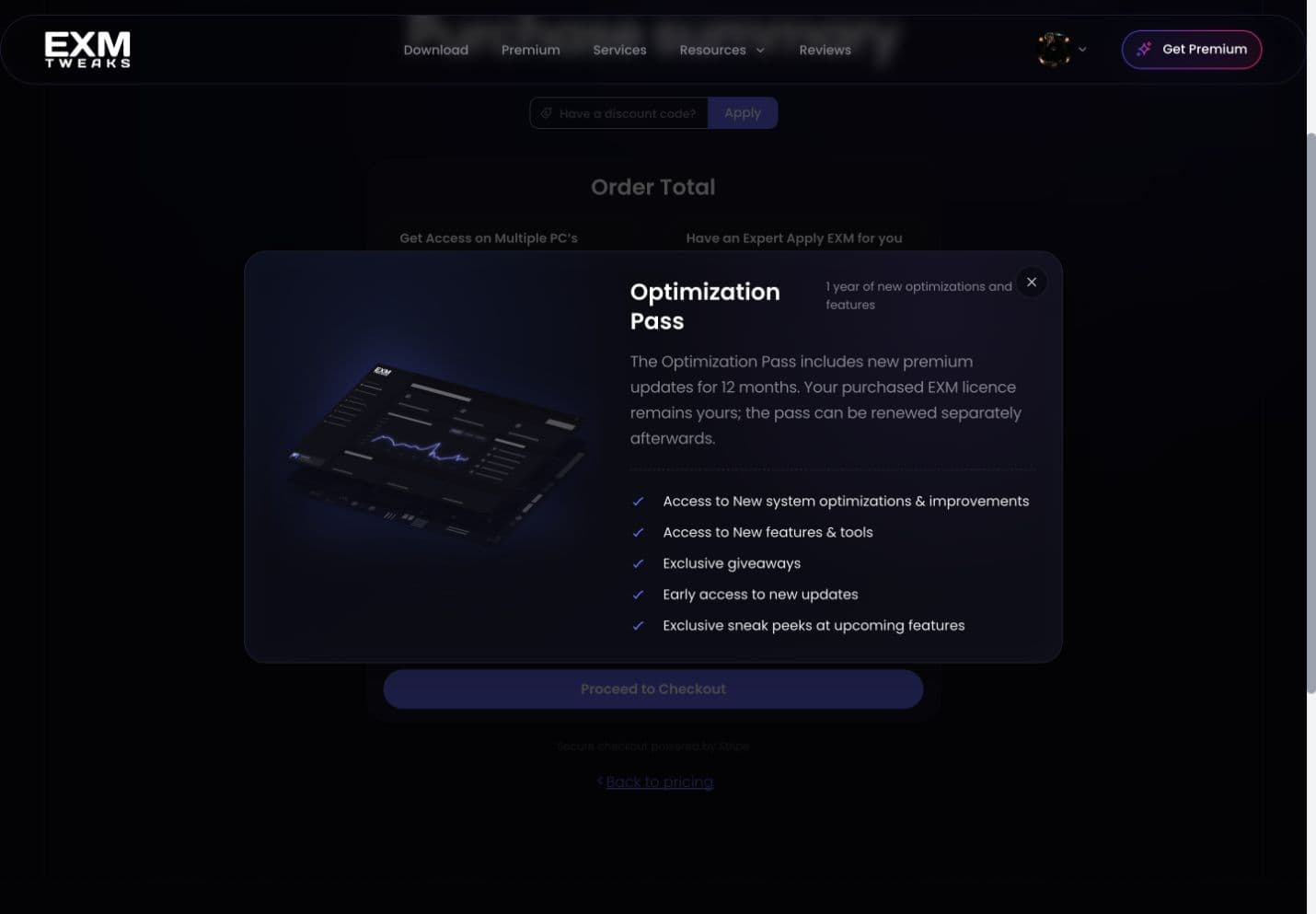
EXM Premium includes one year of the Optimization Pass.
The Optimization Pass provides 12 months of:
New system optimizations and improvements
New features and tools
Exclusive giveaways
Early access to updates
Sneak peeks at upcoming features
Your purchased EXM Premium license remains yours after the included year ends. The Optimization Pass can be renewed separately if you want to continue receiving newly released Premium updates and benefits.
Have an Expert Apply EXM for You
You can optionally add EXM Premium Setup during checkout.
For $19.99, an EXM expert technician will apply and configure EXM Premium for you. Select Add beside Have an Expert Apply EXM for You to include this service.
Expert Setup is an optional service and does not include the EXM Premium license by itself.
4. Review Your Order
Before continuing, review:
Your EXM Premium plan
The number of licensed devices
Your included Optimization Pass
Expert Setup, if selected
Your account email address
Your order total
You can also enter a valid discount code before proceeding.
When everything is correct, select Proceed to Checkout.
5. Complete Secure Payment
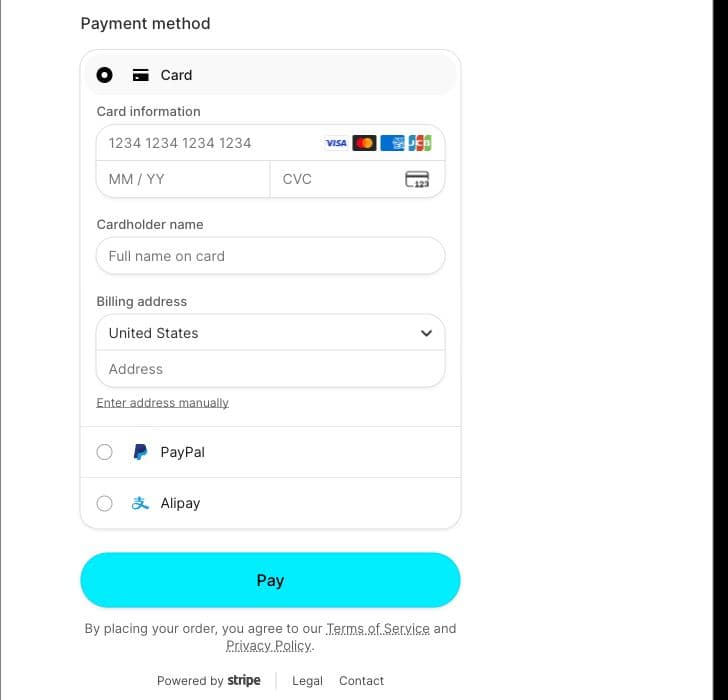
Payment is securely processed through Stripe. Available payment methods may include:
Credit or debit card
Apple Pay
Link
PayPal
Alipay
Enter the requested payment and billing information, review the final total and applicable taxes, and select Pay to complete your purchase.
6. Activate EXM Premium
After completing your purchase:
Open the EXM application.
Sign in with the account used to purchase Premium.
If you were already signed in, log out and sign back in to refresh your access.
If you do not have EXM installed, download it from the EXM download page.
If Premium does not appear after signing back in, contact EXM Support using the email address associated with your purchase.