

How to Fix Failed to Load Scripts Error
If EXM shows a Failed to Load error, this is usually caused by a temporary loading issue with the app session. In many cases, simply closing and reopening the app resolves it, which matches common app troubleshooting guidance from Microsoft.
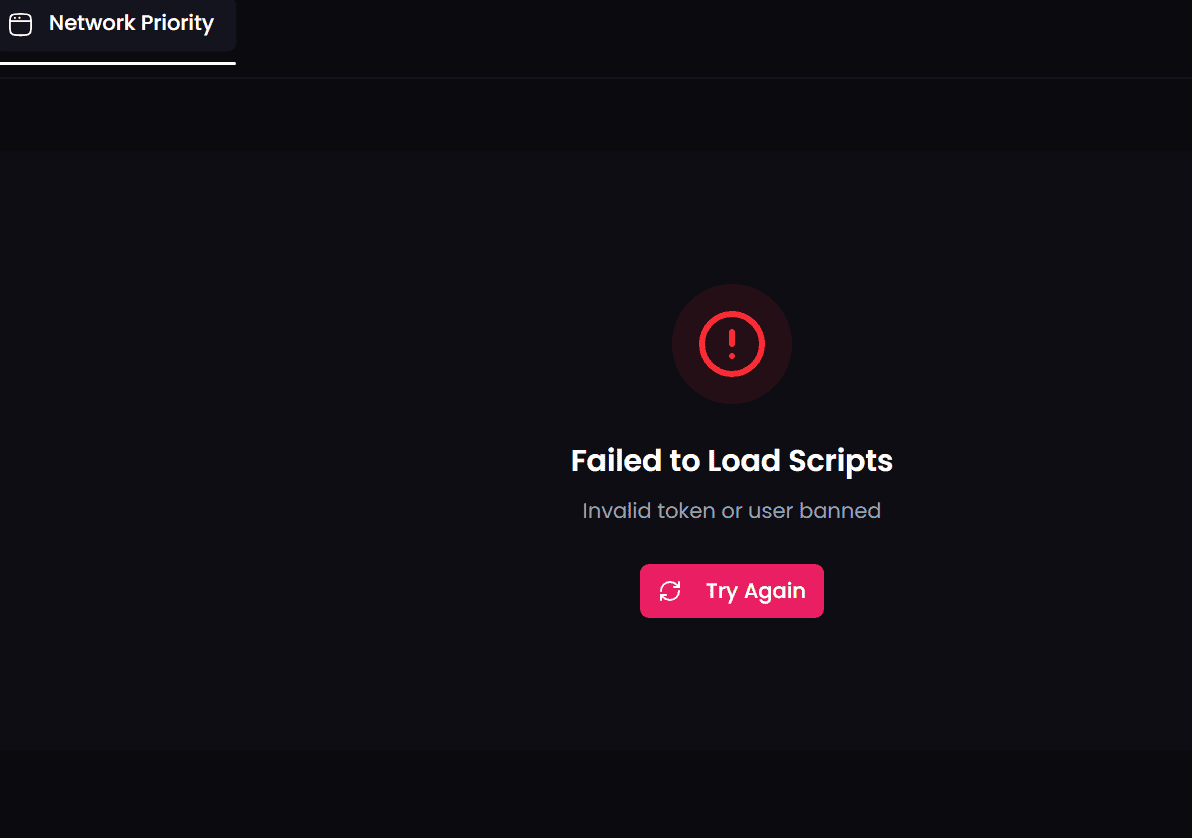
Step 1: Close EXM
Fully close the EXM app.
Make sure it is not still running in the background before reopening it.
Step 2: Reopen EXM
Launch EXM again and try loading the page or feature one more time.
Step 3: Try Again
Once the app has restarted, attempt the action again.
If the issue was caused by a temporary loading problem, this should resolve it.
Still Having Issues?
If restarting the app does not fix the problem, contact EXM Support and include a screenshot of the exact error message shown on screen.