

EXM vs. Competitors
If you're comparing EXM with other PC optimization tools, the biggest difference is the scope of the platform.
EXM is designed to provide a complete Windows and gaming optimization experience rather than functioning only as a game booster, cleanup tool, or launcher.
Other tools such as Hone, Hypertune, Razer Cortex, Paragon's Tweaking Utility (PTU), Ultimate Tweaks, and similar utilities take different approaches to PC optimization. Some focus heavily on simplicity, automated recommendations, background process management, or lightweight system changes.
EXM is built for users who want deeper control over their system and access to a wider range of performance-focused features.
What Makes EXM Different?
EXM combines Windows optimization, gaming-focused tuning, network configuration, BIOS functionality, recovery tools, and professional support within one platform.
EXM includes features such as:
1,000+ curated optimizations
Configurable Game Mode
BIOS tuning and configuration
Gaming-focused Windows optimizations
Input and system latency optimizations
Network and adapter tuning
Power-management optimization
System debloating and cleanup
Optimization impact ratings
Built-in reverting and recovery options
Professional support and troubleshooting resources
Dedicated one-on-one performance services
The goal is to give users more control over how their PC is optimized instead of relying entirely on a single automated performance preset.
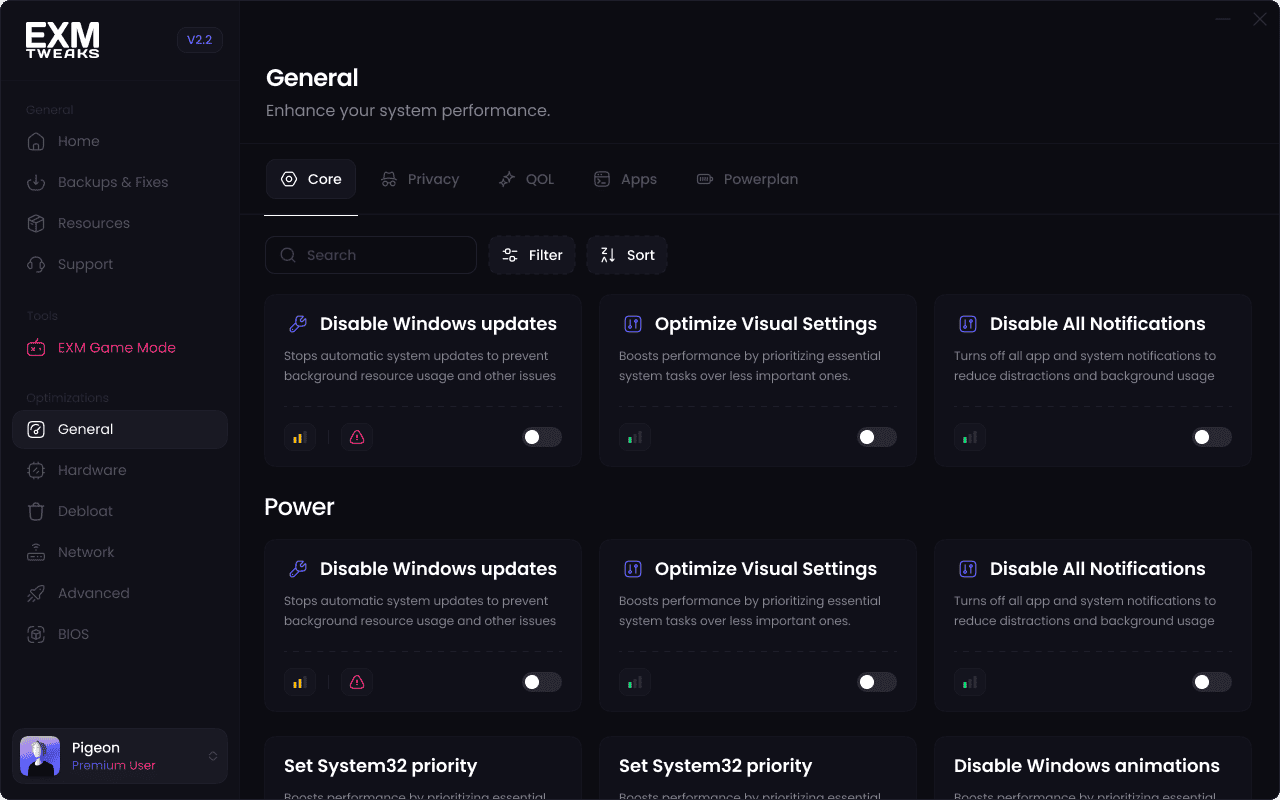
1,000+ Optimizations
EXM provides access to more than 1,000 system optimizations across multiple areas of Windows and your PC.
These can include optimizations related to:
Windows
Gaming
CPU behavior
GPU configuration
Networking
Input responsiveness
Background processes
Services
Power management
Applications
System latency
BIOS configuration
Optimizations are tested before being released and may receive additional changes as Windows, drivers, and hardware platforms evolve.
Not every optimization should be applied to every PC.
EXM provides different optimization categories and impact levels so users can choose changes that fit their hardware, performance goals, and preferred level of system modification.
Configurable Game Mode
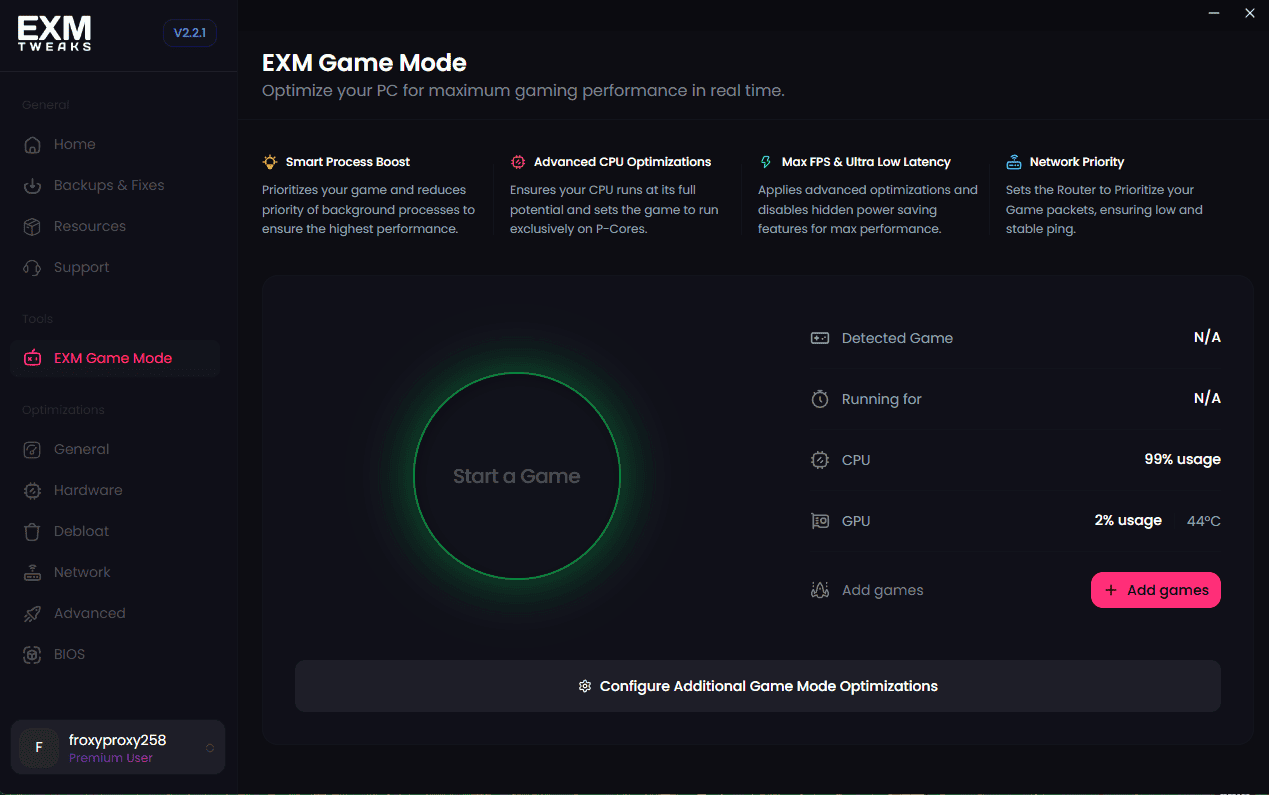
EXM's Game Mode is designed to provide additional optimization while you're actively gaming.
Rather than only applying permanent system changes, Game Mode can adjust supported processes and system behavior while a game is running.
Users can configure Game Mode based on their own preferences instead of relying entirely on a fixed preset.
This gives users more control over how their system behaves during gameplay.
BIOS Tuning
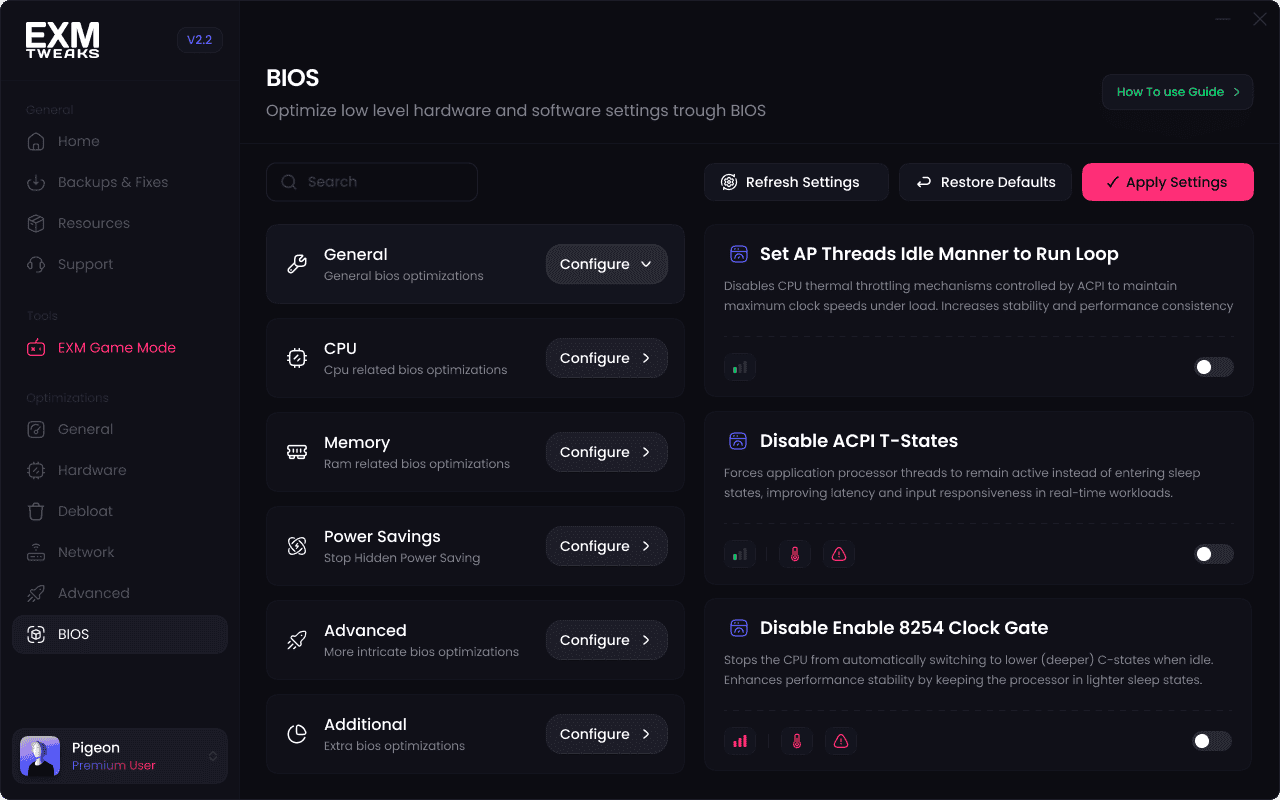
EXM also supports BIOS-related optimization on compatible systems.
BIOS settings can influence:
CPU behavior
Memory performance
Power management
Hardware latency
System stability
Overall responsiveness
Many optimization utilities focus entirely on Windows-level changes.
EXM's BIOS functionality provides an additional layer of tuning for users with supported hardware who want deeper system optimization.
BIOS features and available settings vary depending on your motherboard, CPU, manufacturer, and BIOS version.
Network Optimization
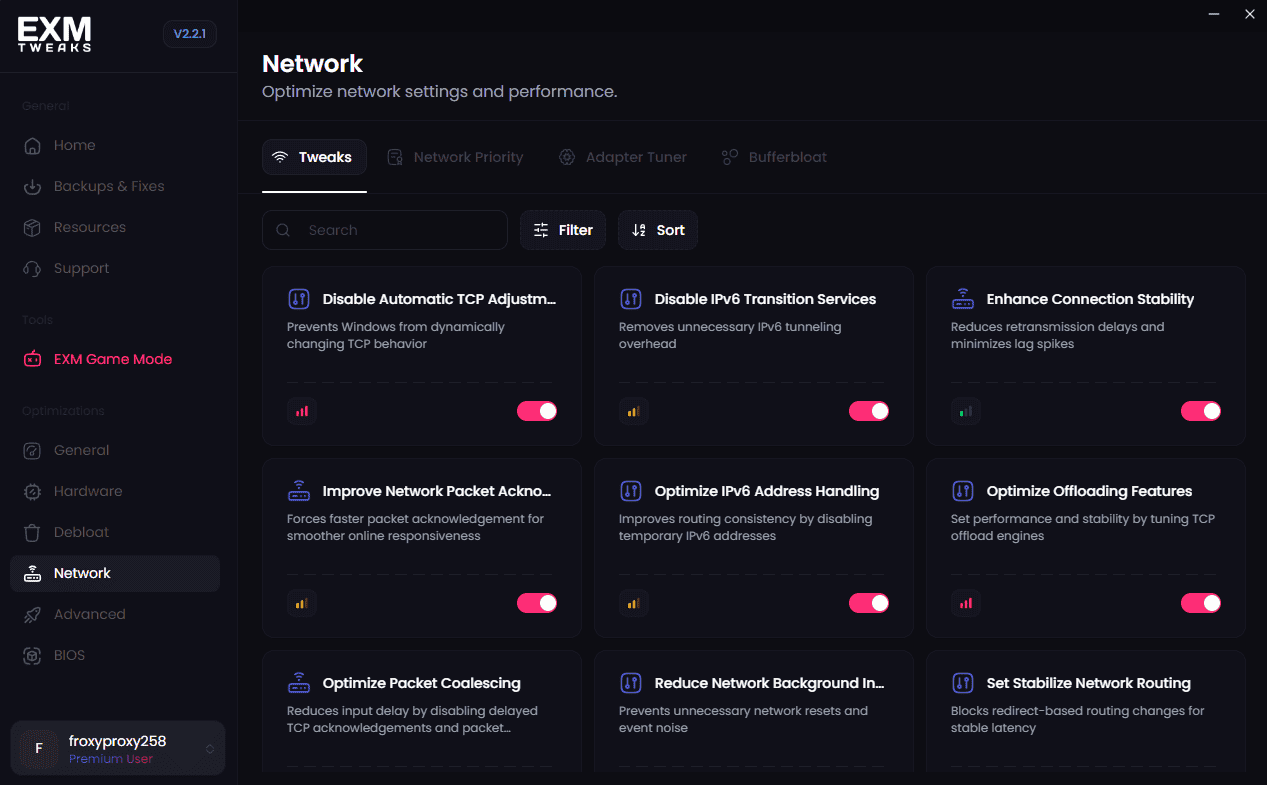
EXM includes networking tools designed to improve the configuration of supported network adapters and Windows networking behavior.
Depending on your system and connection, these optimizations may help with:
Network consistency
Bufferbloat
Adapter configuration
Background network activity
Latency
Connection responsiveness
EXM cannot control factors such as your ISP, physical distance from game servers, server quality, or internet routing, so networking results will vary between users.
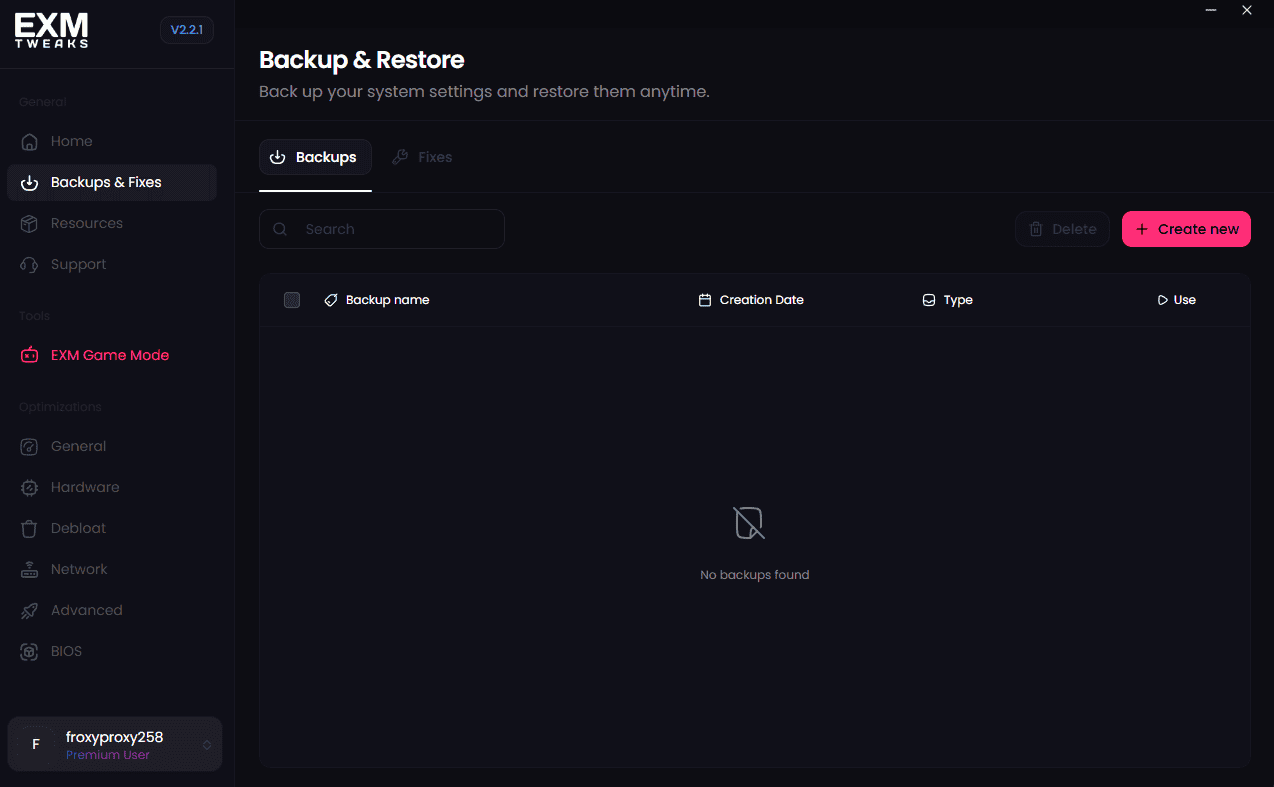
Reverting Changes
An important part of PC optimization is being able to undo changes when necessary.
EXM includes tools and documentation designed to help users revert supported optimizations and troubleshoot unexpected behavior.
Users are also encouraged to create a Windows restore point before applying significant system changes.
This gives users additional recovery options if an optimization is not ideal for their particular system.
Professional Support
EXM provides direct support alongside the optimization utility.
Our support ecosystem includes:
Dedicated support agents
A comprehensive knowledge base
Troubleshooting documentation
AI-assisted knowledge-base search
Discord community assistance
Escalation paths for more complex issues
This allows users to get help not only with installing EXM, but also with troubleshooting specific optimizations and understanding how different changes affect their system.

Dedicated Optimization Services
Users who want additional assistance can also use EXM's professional optimization services.
These services provide one-on-one assistance with system configuration, troubleshooting, and performance tuning.
This can be useful for users who want a more hands-on optimization experience without having to configure everything independently.

Established User Base
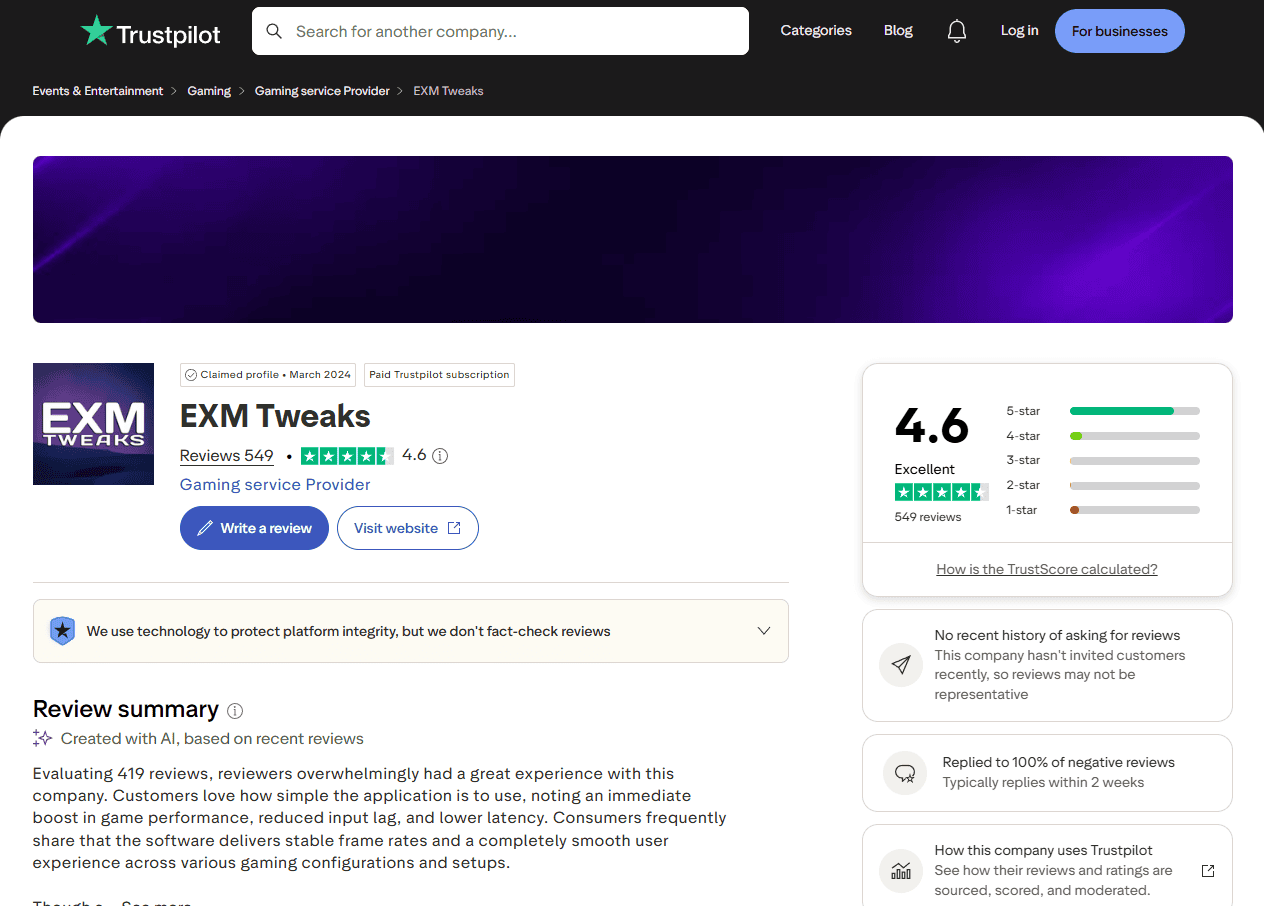
EXM has been used by a large community of Windows and gaming users and continues to receive feedback through reviews, support conversations, community discussions, and product testing.
User feedback plays an important role in improving existing optimizations and developing new features.
When comparing optimization tools, we recommend considering more than just advertised performance gains.
Factors such as support quality, recovery options, feature depth, transparency, compatibility, and long-term development are also important.
EXM May Be a Good Fit If You Want:
Deeper Windows and gaming optimization
More control over individual optimizations
Gaming-focused performance tuning
Configurable Game Mode functionality
BIOS optimization on supported systems
Network and adapter tuning
Reversible system changes
Professional support
Detailed troubleshooting resources
A large library of available optimizations
Another Tool May Be Better If You Want:
Different optimization utilities are built for different types of users.
Another tool may be a better fit if you primarily want:
A simple one-click booster
Basic cleanup functionality
Minimal system configuration
Game launcher features
Very limited interaction with advanced Windows settings
A lightweight, hands-off experience
There is no single optimization tool that will be the best choice for every user.
Performance Results Will Vary
No PC optimization utility can guarantee identical performance improvements on every system.
Results depend on factors such as:
CPU
GPU
RAM
Storage
Cooling
Windows version
Drivers
Background applications
Game engine
Resolution and graphics settings
Existing system configuration
BIOS configuration
Some users may see improvements in average FPS, while others may see larger improvements in 1% lows, frame-time consistency, input responsiveness, system latency, or background resource usage.
For the most accurate comparison, benchmark your system before and after applying optimizations under the same conditions.
Choosing the Right Optimization Tool
When comparing EXM with another optimization utility, consider what you actually want from the software.
If you prefer a lightweight application with minimal configuration, a simpler optimization tool may be enough.
If you want greater control over Windows, gaming performance, networking, BIOS configuration, system recovery, and individual optimizations, EXM is designed to provide a more comprehensive experience.
Need Help?
If you're unsure whether EXM is right for your system, contact our support team at support@exmtweaks.com.
We can help answer questions about compatibility, features, optimizations, and supported hardware.